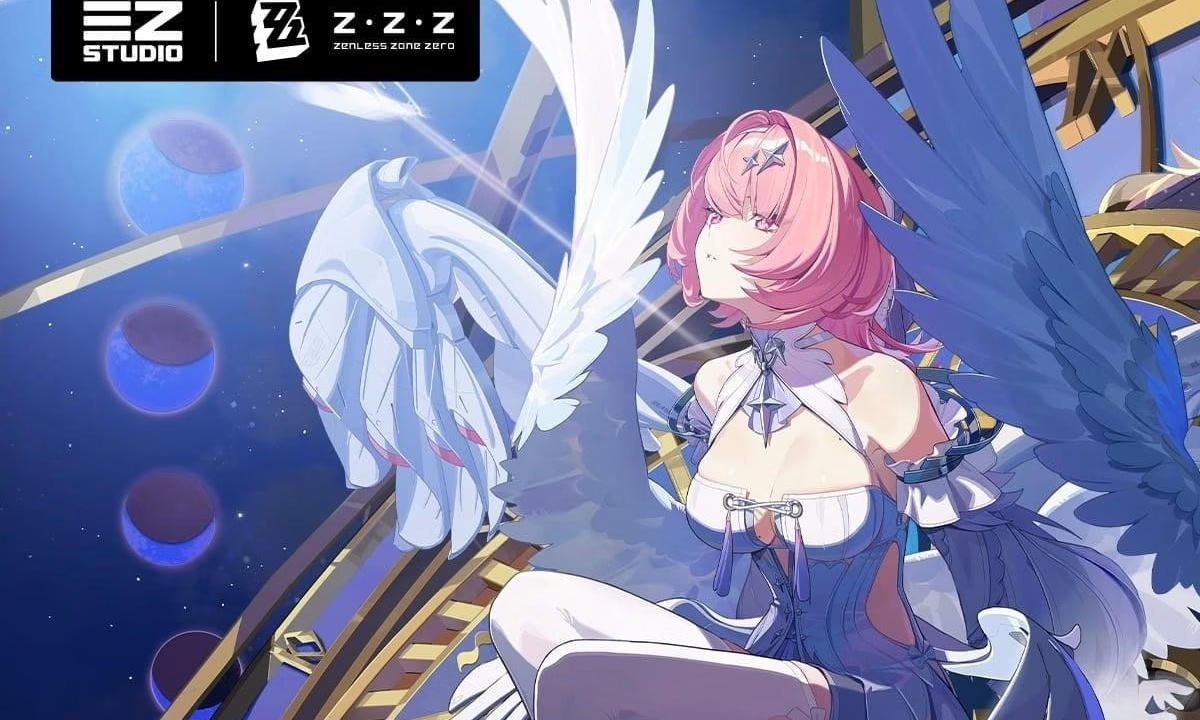
Zenless Zone Zero players on PC have more reasons to revisit their graphics settings following HoYoverse’s latest Version 3.1 update. Alongside the previously introduced PC visual enhancements in Version 3.0, the developer has confirmed that select AMD Radeon RX 7000 and RX 9000 Series graphics cards now support several advanced rendering technologies.
The updated PC Visual Experience Upgrade FAQ also clarifies hardware requirements, recommended drivers, and setup instructions for features such as DX12, Ray Tracing, DLSS, FSR, and Frame Generation.
The announcement is aimed at helping players make the most of the game’s enhanced visuals while avoiding compatibility issues. HoYoverse also recommends updating GPU drivers before enabling these features, noting that outdated software may lead to graphical anomalies or reduced performance. With support continuing to expand, the developer says additional GPU compatibility improvements are planned for future updates.
Version 3.1 broadens support for advanced PC graphics technologies
With Version 3.1, AMD Radeon RX 7000 Series and RX 9000 Series GPUs now support the game’s upgraded graphics suite, joining compatible NVIDIA RTX hardware. Eligible PCs can launch the game in DX12 mode directly from the launcher by enabling the dedicated option beneath the Start Game button, while players can switch back to DX11 at any time for broader compatibility.
HoYoverse recommends updating to NVIDIA driver version 591.86 or later, while RTX 50 Series owners should install version 595.97 to enable DLSS Multi-Frame Generation. AMD users are advised to update to driver version 26.6.1 or newer for the best experience.
Players launching DX12 for the first time will also encounter automatic shader compilation, which may briefly cause stuttering. HoYoverse notes that this is expected behavior, and interrupted compilations can be restarted using the launcher’s Repair Tool.
Ray Tracing, Super Resolution, and Frame Generation requirements explained
Ray Tracing remains exclusive to NVIDIA RTX 20 Series GPUs and newer that include RT Cores, with at least 8GB of VRAM required. HoYoverse recommends 8GB VRAM for 1080p, 12GB for 1440p, and 16GB for 4K gameplay. The feature is currently available in city environments and select combat encounters, while other areas automatically revert to the standard global illumination system.
Players can enable Ray Tracing through Options → Graphics → Advanced, where quality presets can be adjusted. HoYoverse also recommends pairing the feature with DLSS or FSR Super Resolution to maintain smoother performance.
Super Resolution is supported on NVIDIA RTX 20 Series and newer GPUs through DLSS and FSR3, while AMD Radeon RX 7000 and RX 9000 Series cards support FSR4. Meanwhile, Frame Generation compatibility varies by hardware, with DLSS Frame Generation available on RTX 40 Series GPUs, DLSS Multi-Frame Generation requiring RTX 50 Series hardware, and FSR3/FSR4 Frame Generation supported on compatible NVIDIA RTX and AMD Radeon GPUs running Windows 11.
Before enabling Frame Generation, players must activate Hardware-Accelerated GPU Scheduling in Windows. HoYoverse also recommends disabling V-Sync and setting the frame rate to Unlimited or 60 FPS for the smoothest gameplay experience, adding that support for additional GPU models will continue to roll out in future updates.
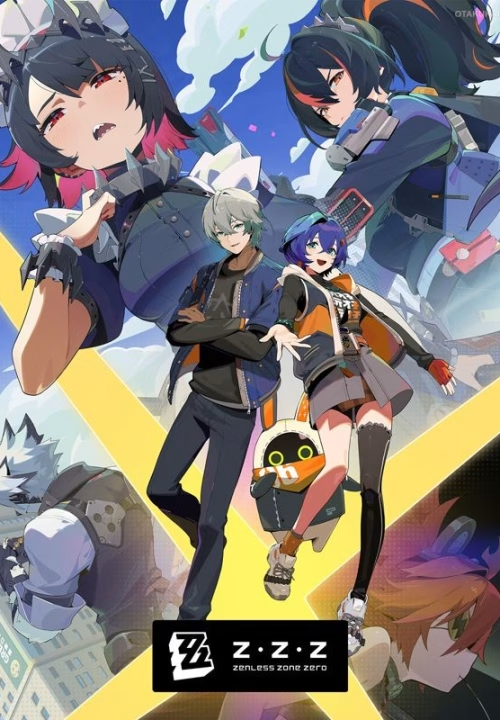
| Release Date | September 27, 2023 |
|---|---|
| Platforms | PC, iOS, Android |
| Developer | HoYoverse |