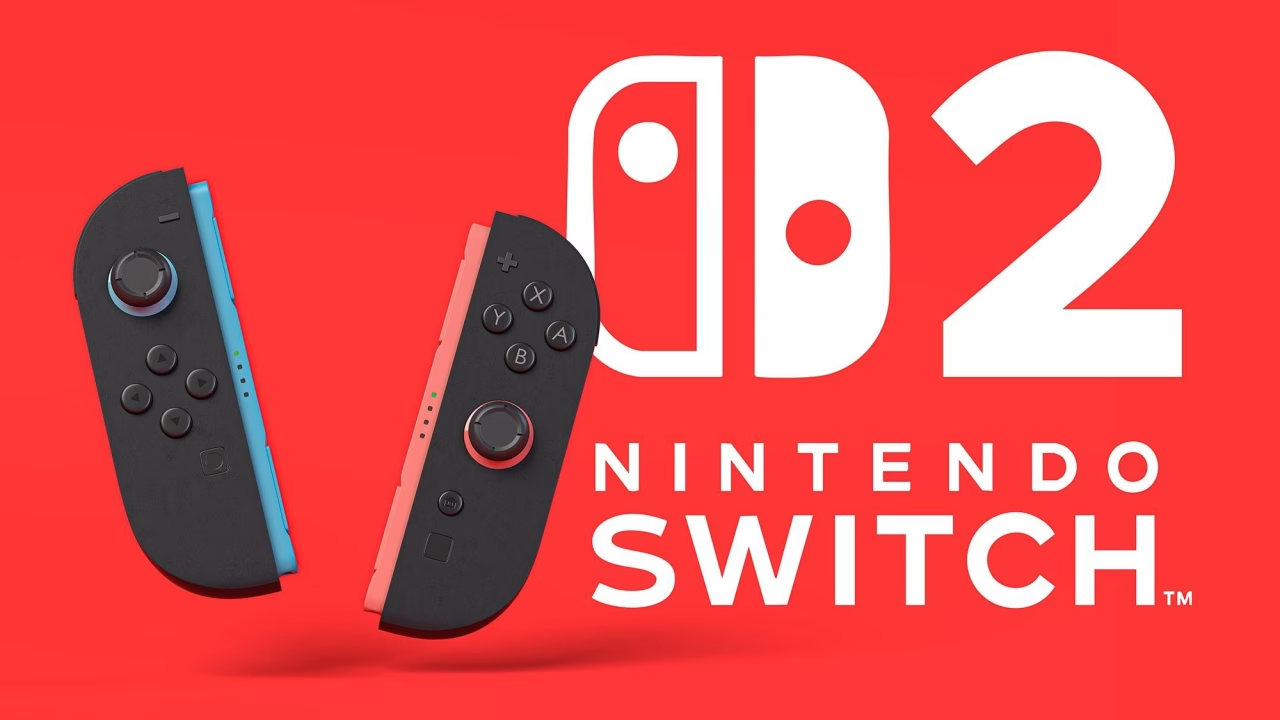
Nintendo has released system update 23.0.0 for Nintendo Switch 2 and Nintendo Switch, bringing one of the more substantial feature updates to the newer console since launch. The biggest addition is Variable Refresh Rate (VRR) support in TV mode, which can provide smoother gameplay when both the game and connected television support the technology.
The update also adds several quality-of-life features, including a Handheld Mode Boost toggle in Quick Settings, new music for the Mii editor, Mii QR code sharing and the ability to transfer data directly from one Switch 2 console to another. Nintendo has also made several changes to GameChat and Virtual Game Cards.
Nintendo’s official System Update Information confirms that version 23.0.0 is now available, with consoles generally able to download the update automatically when connected to the internet.
Nintendo Switch 2’s VRR Support Is the Update’s Biggest Addition
The headline feature in version 23.0.0 is VRR support while the Nintendo Switch 2 is connected to a television. When supported by both the software and display, the console can adjust its output refresh rate to match the game’s processing, potentially making gameplay appear smoother and reducing visible tearing.
Nintendo notes that players will need to update their Switch 2 dock to enable the feature. The system update also adds dedicated VRR settings and expands the information shown under the former “Dock Output Information” menu, which is now called Video Output Information.
Another notable addition is Handheld Mode Boost, which can now be switched on or off directly through Quick Settings. Switch 2 owners can also use other controllers while Joy-Con 2 controllers remain attached to the console.
The Mii experience has received an unexpected refresh as well. The Edit a Mii screen now supports background music, with users able to change or disable the music through BGM Settings. Nintendo has also added the ability to create a QR code for a Mii, making it easier to share created characters with other users.
GameChat has received several smaller improvements. Previously joined chats now appear in the list of available chats, while players can start a new chat without inviting friends first. The C Button menu during a chat also includes an option for changing the screen size.
Nintendo has additionally added Nintendo Switch 2-to-Switch 2 system transfers, allowing users to move their data when changing to another console. Accessibility has been expanded with Brazilian Portuguese support for Text to Speech and GameChat Voice-to-Speech/Text-to-Speech functionality.
The original Nintendo Switch also receives a smaller update focused on Virtual Game Cards. A new settings option lets users review and edit which consoles can use their virtual game cards. If a virtual game card cannot be ejected from another offline console, eligible users can instead launch the software using an online license.
Nintendo has not announced a major game-specific feature alongside version 23.0.0, but the combination of docked VRR, Handheld Mode Boost, improved GameChat, Mii music and Switch 2 system transfers makes this a notable firmware release for Switch 2 owners.